

Getting started — set up your organisation
From sign-up to your first receipt: pick your organisation type, choose a plan and invite your team in minutes.
- 1
Create your account
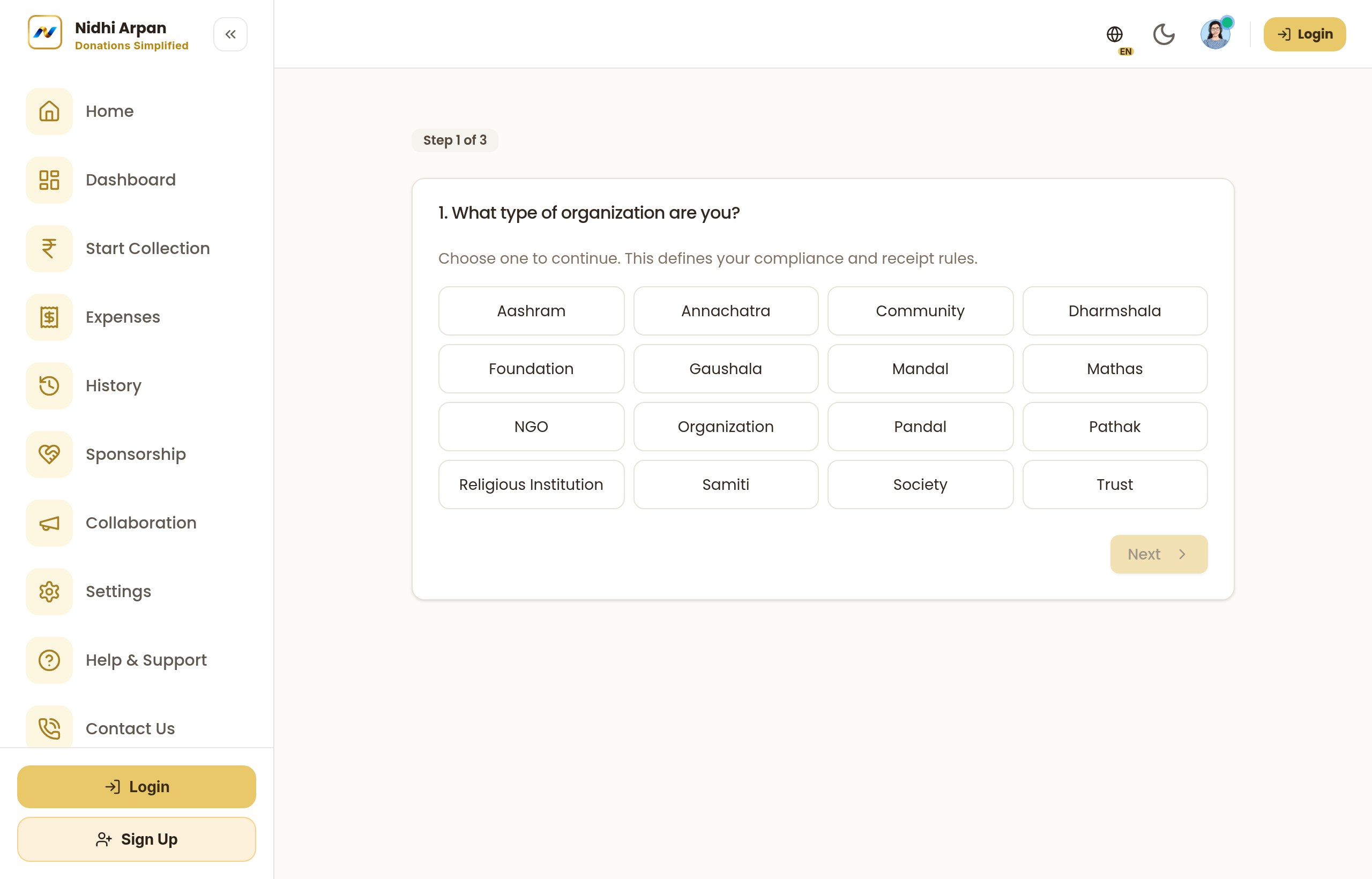
Sign up and pick your organisation type — 16 sectors are supported, from Ganesh Mandals to Trusts and Religious Institutions. This tailors the receipts, categories and features to how you actually work.
Choose your organisation type at sign-up - 2
Onboard & choose a tier
Complete onboarding and pick the plan that fits. Tier 0 suits local / seasonal committees; Tier 1 unlocks the registered-organisation stack (advanced reports, ticketing, more seats). You can start free and upgrade anytime.
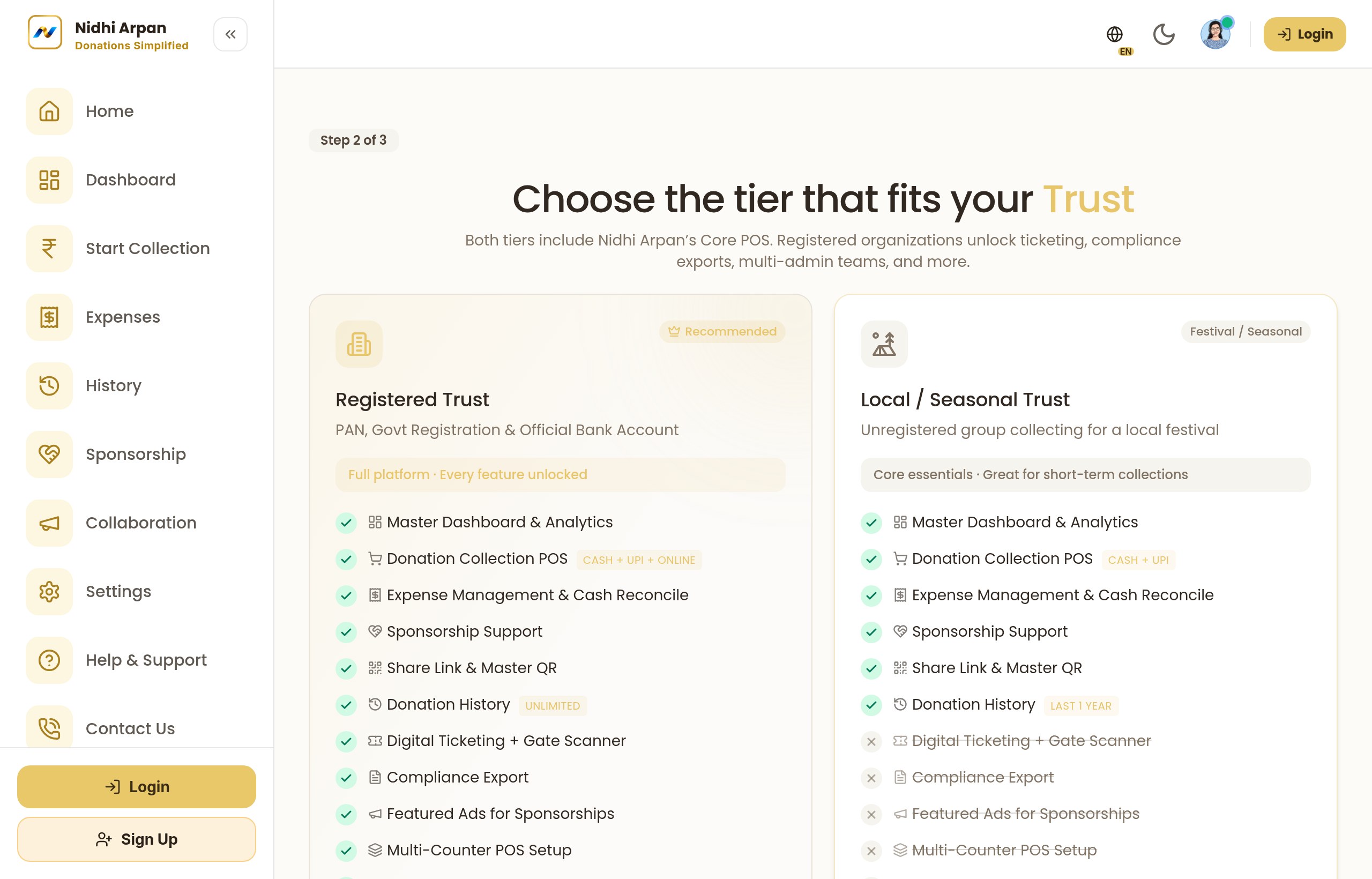
Onboarding + tier selection - 3
Invite your team
Add admins and volunteers with role-based access. Volunteers can collect at the counter but cannot edit accounts — access is divided sensibly so ten people can collect while only a few can change the books.
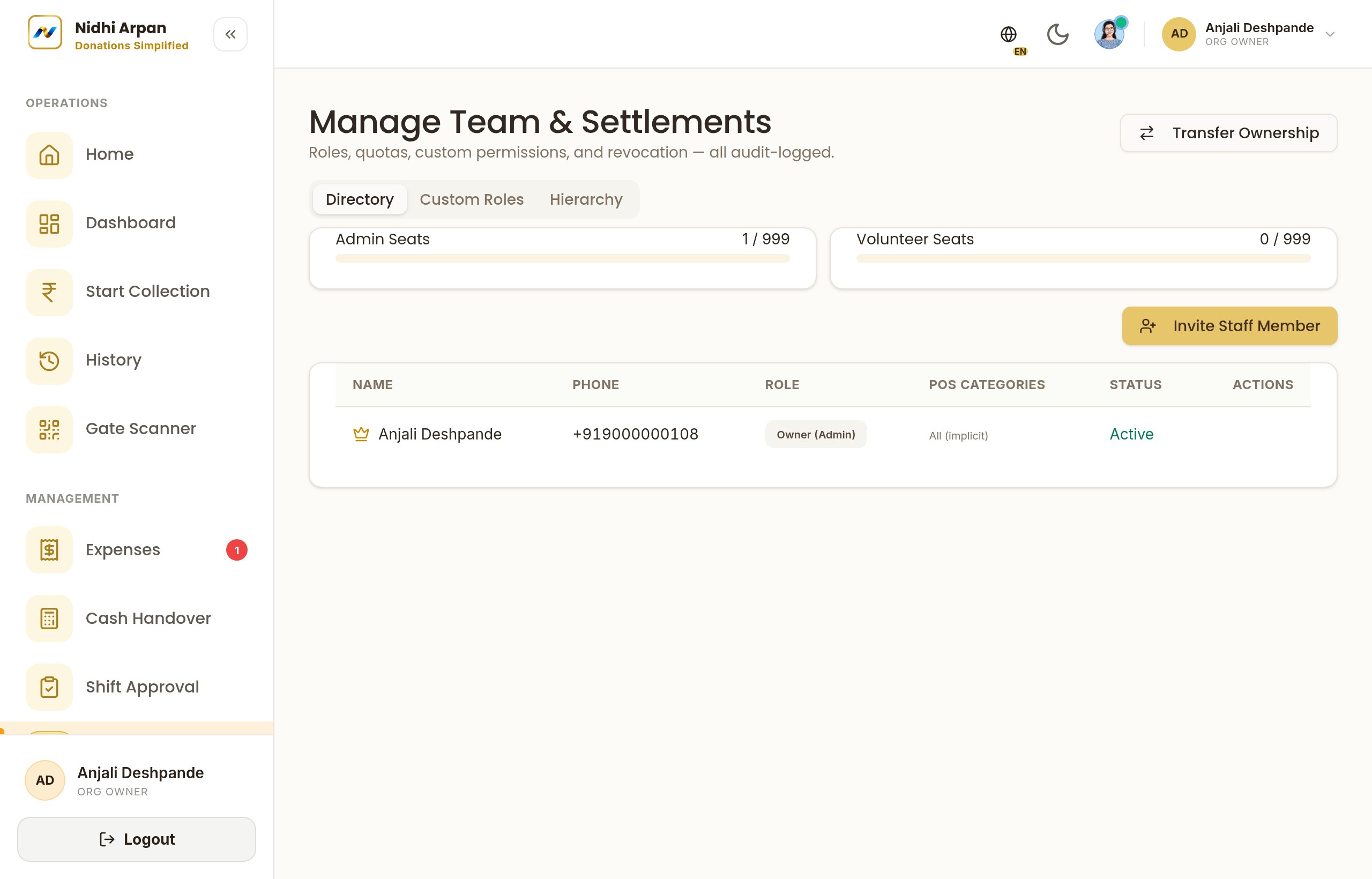
Role-based team management
That's it! Need more detail? Check the FAQ or contact our team.