

How-to 5 min read
Log expenses with approvals
Record every spend with a bill photo and maker-checker approvals so vendor advances and cash never leak.
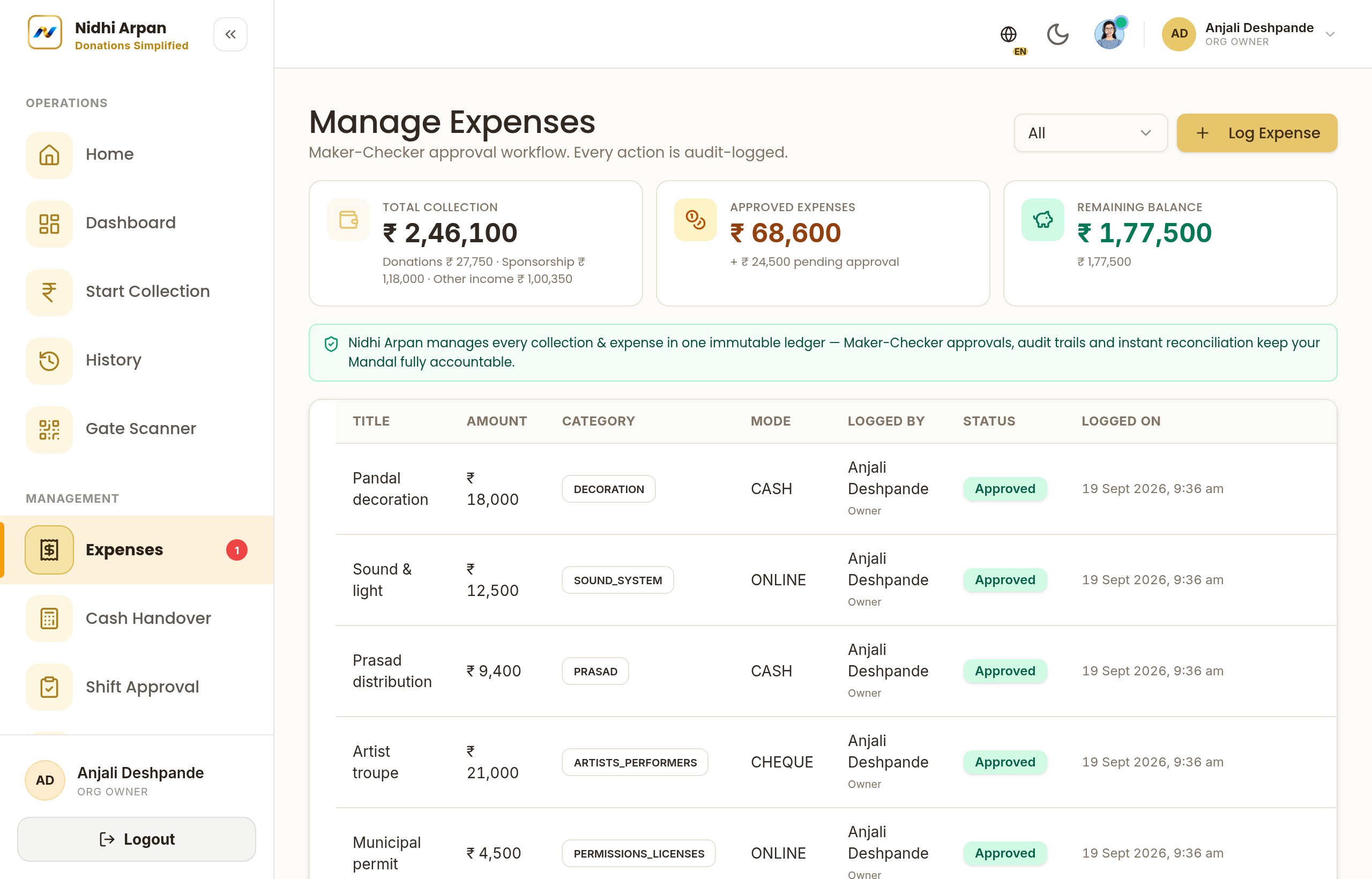
- 1
Record a spend
Log each expense against a category, attach the bill photo, and note who spent it. Booking amounts, part-payments and final bills are all tracked so you always know what is still outstanding.
Expenses with bills & maker-checker - 2
Approve before it counts
Maker-checker means one person records and another approves — the single habit that turns a well-run festival into a clean AGM.
Two-person approval on every spend
That's it! Need more detail? Check the FAQ or contact our team.